tweet-hs-0.4.0.7: README.md
# Command Line Interface Tweeter
## Config
Generate a token to authorize access to your twitter account by following the guide [here](https://dev.twitter.com/oauth/overview/application-owner-access-tokens)
Then place your API keys and OAuth tokens in a file `~/.cred`, separated by a line break:
```
api-key: API_KEY_HERE
api-sec: API_SECRET_HERE
tok: OAUTH_TOKEN_HERE
tok-sec: TOKEN_SECRET_HERE
```
## Installation
If you're on Linux/Windows the best way is probably to download the binaries
from the releases page [here](https://github.com/vmchale/command-line-tweeter/releases).
To build from source, install [haskell stack](https://docs.haskellstack.org/en/stable/README/#how-to-install); on unix systems this is as simple as
```
wget -qO- https://get.haskellstack.org/ | sh
```
Then type `stack install tweet-hs` it will generate an executable called `tweet`, which is what we want.
## Use
### View Profiles and timelines
To get your timeline, simply type:
```
tweet view
```
To view a user's profile, type e.g.
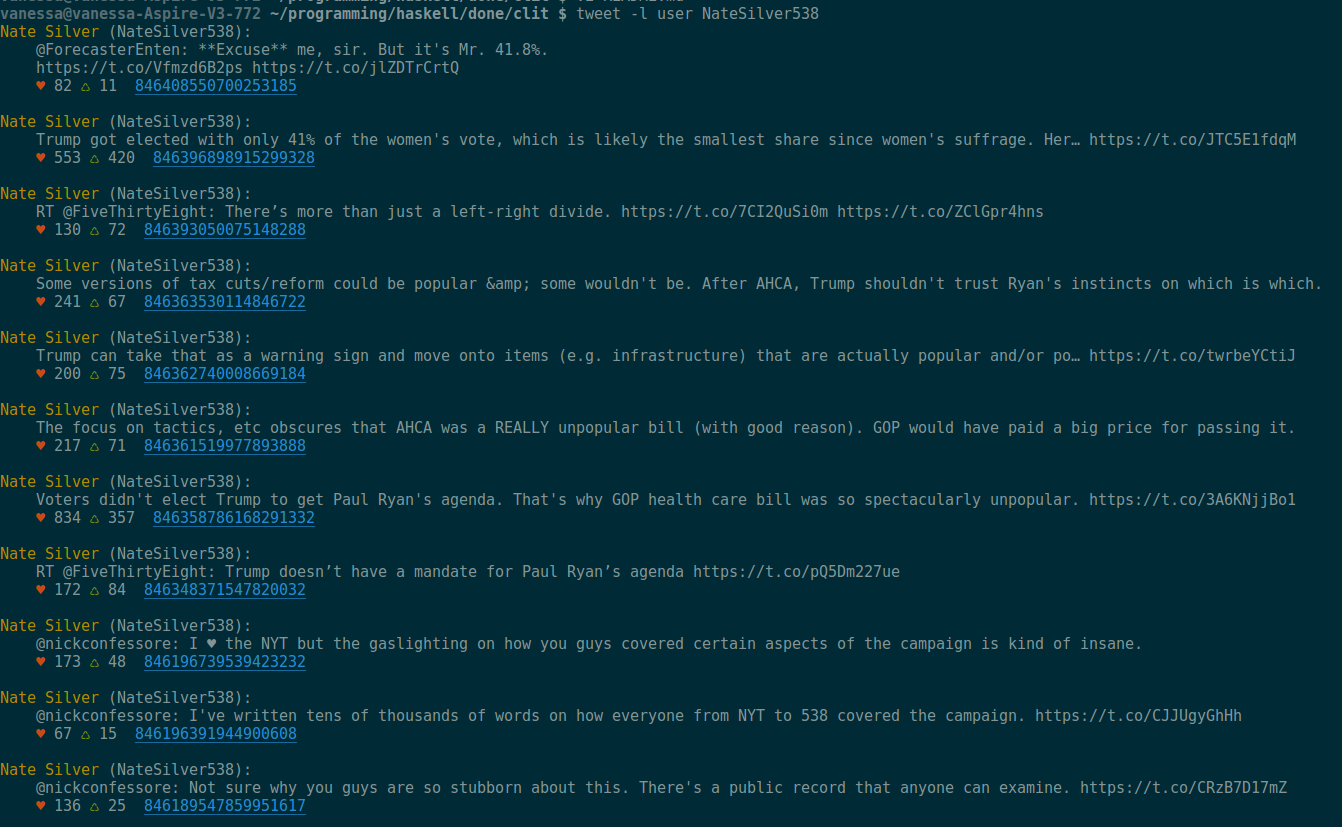
```
tweet user pinepapplesmear --color
```
### Sending tweets
To tweet from stderr, run a command that pipes stderr to stdin, i.e.
```
YOUR_BUILD_COMMAND 2>&1 >/dev/null | tweet input
```
The `tweet` executable reads from stdIn only, but you can view the options (replies, number of tweets to thread, etc.) with
```
tweet --help
```
This script powers the twitter account [@my\_build\_errors](https://twitter.com/my_build_errors) for instance. There's an example bash script for in `bash/example`
### Viewing your timeline
You can also use
```
tweet view
```
or
```
tweet view --color
```
to view your own timeline.
### Completions
The directory `bash/` has a `mkCompletions` script to allow command completions for your convenice.
## Library
A haskell package is included. It's fairly easy to use once you have the credentials set up, with two main functions: `thread` and `basicTweet`: the first for threading your own tweets or replying to someone else's and the second for just tweeting.
### Finer details
The function `tweetData` will tweet an object of type `Tweet`. Its use is pretty self-explanatory, but how to best form `Tweet`s is not immediately obvious.
`Tweet` is an instance of `Default` so you can use `def` to get an empty tweet replying to nobody and not fetching extended user data. This is especially useful if you want to use lenses and avoid ugly record syntax, e.g.
```
set status "This is the new status field" $ def
```
will give you a `Tweet` with sensible defaults and the desired text.
### Haskell
This